

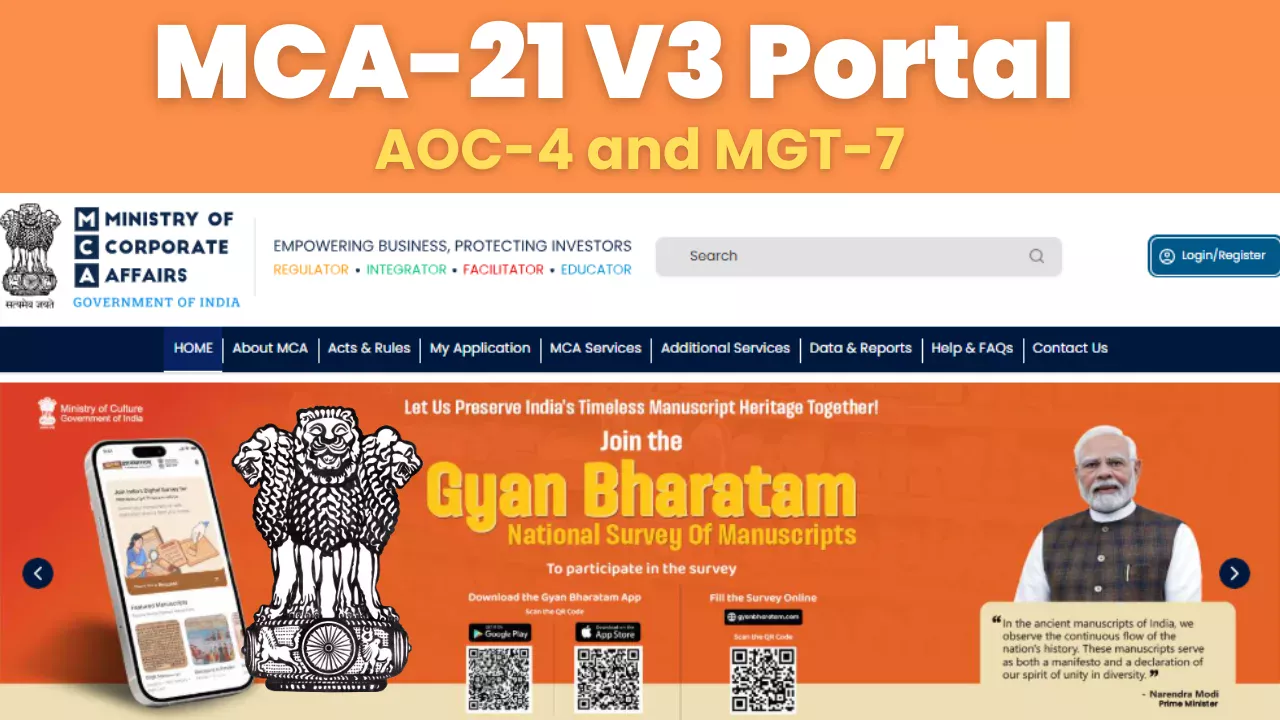
This guide covers everything you need: how to log in on the new portal, what changed in AOC-4 and MGT-7, how to view company master data, the V2 vs V3 differences that actually matter, and the current status as of May 2026.
What Is the MCA-21 V3 Portal?
The Ministry of Corporate Affairs operates its digital compliance platform through its third version, MCA-21 V3. The system started replacing V2 through multiple release phases, which began in 2022 and ended with the launch of 38 forms on July 14 2025.
V3 introduces a complete web-based system which enables users to complete all tasks through online access. Users complete form filling through their web browser while the system performs real-time data validation, and system automatically fills essential data using previous documents and company master records.
MCA V2 vs V3 - What Actually Changed
|
|
|
|
|
|
|
|
|
|
|
|
|
|
|
|
|
|
|
|
|
|
|
|
|
|
|
|
|
|
|
|
|
|
|
|
How to Login to the MCA-21 V3 Portal
The login process on V3 is different from V2. Here's a step-by-step guide:
Step 1 - Go to the V3 portal
Go to www.mca.gov.in. Make sure you're on the V3 version of the site. The homepage will display the V3 interface. If you see a prompt to switch to V2, ignore it, as V2 is no longer supported.
Step 2- Click 'Login' on the top right
Click the Login button in the top navigation for mca v3 portal login. You will see two options: login via OTP or login via DSC (Digital Signature Certificate).
Step 3- Choose your login method
OTP Login: Enter your registered email ID or mobile number linked to your MCA account. You will receive a one-time password to proceed.
DSC Login: Connect your DSC token to your computer. Select DSC Login and select the correct certificate from the dropdown. Your DSC must be registered and linked to your Director Identification Number (DIN) or PAN.
Step 4- Access your dashboard
Once logged in, you'll be taken to a centralized dashboard that displays all your company's filings, pending forms, SRN status, and compliance deadlines in one place.
If your DSC login fails: Make sure your DSC hasn't expired, your browser has the latest emSigner plugin, and that the name on your DSC exactly matches your MCA registration. Mismatches are the most common reason for login rejections.
How to View Company Master Data on MCA V3
One of the most useful improvements in MCAv3 is that company master data is now accessible without logging in. Here's how to find it:
Without login (public search)
- Visit www.mca.gov.in
- Click on 'MCA Services' in the top menu
- Select 'View Company/LLP Master Data'
- Enter the company name or CIN (Corporate Identification Number)
- Click on Search, and the company's registered details, directors, filing history, and charge information will appear
What You Can See Without Login
|
|
|
|
|
|
|
|
|
|
|
|
|
|
|
|
|
|
|
|
|
Major Updates in Form AOC-4 (2026)
Every company needs to submit AOC-4 as their annual financial statement. The V3 version contains major changes that transform the previous V2 format. The changes create the following impacts, which your filing process will experience.
Fully Web-based - No More PDF Uploads
The AOC-4 form now allows users to complete it through their web browser. Users no longer need to download a document, complete it in offline mode and then return to upload their work. The system performs all tasks while checking input information for correctness in real time. The system identifies errors before you submit your work, yet it keeps everything hidden until you do so.
AOC-1 and AOC-2 are Now Linked Forms Inside AOC-4
AOC-1 (subsidiary statement) and AOC-2 (related party transactions) were separate forms that needed to be filed independently before. The MCA V3 system connects both forms as linked documents, which users must attach to their main AOC-4 submission. The new system includes five additional linked documents, which bring the total number of linked documents to six. The system includes the following documents, which describe their content.
- Extract of Auditor Report (Standalone)
- Extract of Auditor Report (Consolidated)
- Extract of Board Report
- AOC-1: Statement of subsidiaries
- AOC-2: Related party transactions
Previous Year Data is Pre-filled
The current year's form contains automatic pre-filling of financial data from last year's filing. You need to examine and make changes to your work instead of starting everything from the beginning. The system maintains a complete record of all modifications, which serves for audit tracking purposes.
Board's Report and Auditor's Report are Linked Directly
Both reports can now be uploaded and linked within the AOC-4 filing itself, which decreases the likelihood that users will submit incomplete documents.
Offline Excel Mode for Large Data Sets
The portal provides an Excel template for download, which companies can use to fill in their financial data and submit it back to the system. This approach proves especially beneficial for large corporations that operate with complicated financial systems.
Special Provisions for CIRP and Liquidation
Companies undergoing corporate insolvency resolution process or liquidation proceedings are permitted to submit AOC-4 with specific exemptions and disclosures as per their active legal situation.
File AOC-4 & MGT-7 on MCA V3: We Handle It End-to-End
New portal, new forms, tight deadlines, don't risk penalties, figuring it out alone. JustStart manages your entire MCA V3 filing from documents to submission.
Major Updates in Form MGT-7 (2026)
MGT-7 serves as the yearly report, which shows a company's governance framework together with its ownership structure and executive team information. The system introduces multiple fundamental changes together with new compliance requirements in its second version.
Redesigned Structure and Layout
The form redesign has been completed to achieve a more natural progressive order of content. New sections and fields make capturing detailed company information more straightforward, especially for companies with complex ownership structures.
Stronger Validations and Mandatory Field Checks
The V3 MGT-7 has developed improved internal validation functions. The system requires users to complete all mandatory fields while it performs instant validation of their input methods. The new system eliminates back-and-forth communication between users and the system, which occurred during V2 when users needed to correct returned forms.
More Detailed Shareholding and Governance Reporting
The updated form requires more detailed reporting about shareholding patterns, which should include both beneficial ownership details and ownership changes that occurred throughout the year. The regulatory visibility into company governance has increased through expanded governance disclosures, which allow regulators to monitor the management activities of companies.
Updated DSC and Submission Process
The digital signature process has been updated to meet current security standards. The directors need to sign documents using their registered DSC, while the new signing process has become a part of document submission between V2 and the current version.
MCA-21 V3 Status - May 2026
Here is where things stand as of May 2026, based on the latest information from the MCA portal and official communications:
- All 38 e-forms for both companies and LLPs have been migrated to V3 and are active
- V2 portal was permanently discontinued on June 18, 2025. No filings can be made on V2
- DSC validation stability has improved significantly compared to the initial V3 rollout in late 2024
- Payment gateway issues that were reported in late 2025 are largely resolved, and online card and net banking payments are working consistently
- MCA is testing additional e-forms in its sandbox before the next rollout batch
- SRN resubmission for forms that were in NTBR (Not To Be Registered) status due to the V2 transition has been processed for most companies
If you have filed on V2 and your SRN is still showing as pending or NTBR, contact MCA Helpdesk at www.mca.gov.in/content/mca/global/en/home.html to get the status corrected.
Key Dates and Compliance Deadlines
|
|
|
|
|
|
|
|
|
|
|
|
|
|
|
|
|
|
|
|
|
|
|
|
Documents Checklist for Smooth MCA V3 Filing
For AOC-4
• Signed financial statements (Balance Sheet, P&L, Cash Flow)
• Board's Report- signed and approved
• Auditor's Report- signed by statutory auditor
• AOC-1 data (if the company has subsidiaries)
• AOC-2 data (if there are related party transactions)
• Updated DSC of the signing director and auditor
For MGT-7
• Complete list of shareholders with shareholding percentages
• Details of any share transfers during the year
• List of directors with DINs, appointment/resignation dates
• Details of meetings held (Board and General)
• MGT-8 certificate from practising Company Secretary (for applicable companies)
• Updated DSC of the authorised signatory
Ensure that the name on each DSC matches the MCA registration record exactly. Even a slight spelling difference may result in the filing being rejected.
Common Mistakes to Avoid Under V3
- Using an expired DSC - check validity before starting the filing.
- Leaving pre-filled data unverified - always review auto-populated figures against your actual financials.
- Uploading documents in incorrect formats - V3 accepts PDF only for linked reports.
- Not updating Director KYC - expired DIR-3 KYC blocks the filing.
- Filing at the Last Minute - V3 portal experiences higher load near deadlines; start at least 2 weeks early.
- Ignoring the SRN Status - check the status of all previous SRNs before starting a new filing.
Impact on CAs, CSs, and Compliance Teams
For professionals managing filings for multiple clients, V3 brings both improvements and an adjustment period.
What works better now
- The centralised dashboard shows all client companies in one place, with filing status and deadlines.
- Pre-filled data reduces data entry time for repeat filings.
- Real-time validation means fewer rejections and less back-and-forth.
- AI-driven consistency checks catch discrepancies between forms before submission.
What still needs attention
- DSC management across multiple clients remains complex- keep a DSC expiry tracker.
- New form structure requires familiarity- run through the V3 forms for a few companies before busy season.
- Payment confirmation delays have occasionally been reported- keep payment receipts and SRN screenshots.
Conclusion
The MCA-21 V3 migration process has reached its completion point. The system now operates at improved performance because users can now comprehend its new components, which include web-based forms, pre-filled information and real-time validation and security features that protect user data.
Teams that developed their workflows based on V2 face major difficulties because they must learn new procedures. The key steps are: update all DSCs, verify Director KYC, get familiar with the AOC-4 linked form structure before the annual filing deadline, and never wait until the last week to file.
JustStart provides complete support for your AOC-4 and MGT-7 and all other MCA V3 filings, which allows you to concentrate on operating your business.
Frequently Asked Questions (FAQs)
1. Is the MCA V2 portal still accessible in 2026?
Ans- No, the V2 portal reached permanent shutdown status on June 18, 2025. Filings are now required to be submitted through the MCA-21 V3 portal, which can be accessed at www.mca.gov.in. Any SRN created on V2 that was not completed before the deadline will need to be refiled on V3.
2. What is the deadline for filing AOC-4 and MGT-7 under V3?
Ans- AOC-4 and MGT-7 became mandatory in the new V3 format from July 14, 2025. The standard due dates for the financial year 2024-25 require AOC-4 to be submitted within 30 days of the AGM and MGT-7 to be submitted within 60 days of the AGM. Your company-specific deadlines can be obtained from your CA or CS.
3. What if I face issues during V3 web-based filing?
Ans- The V3 portal provides a helpdesk and grievance redressal system, which users should utilize. From your dashboard, you have the ability to create a support ticket. Users must verify that their eSigner plugin has the newest version and that their certificate remains active to resolve DSC problems.
4. Can I revise a filing after submission on V3?
Ans- Yes, the portal enables users to change their submissions according to the time limits established by the Companies Act. The process needs users to inspect all pre-filled data together with their manually entered information before they submit their final work to reduce the need for later changes.
5. How do I check a company's master data on MCA V3 without logging in?
Ans- At www.mca.gov.in, users need to select MCA Services followed by 'View Company/LLP Master Data'. The user needs to enter either the company name or CIN. Users can access registration information together with director details, filing records and current company status without needing to create an account.